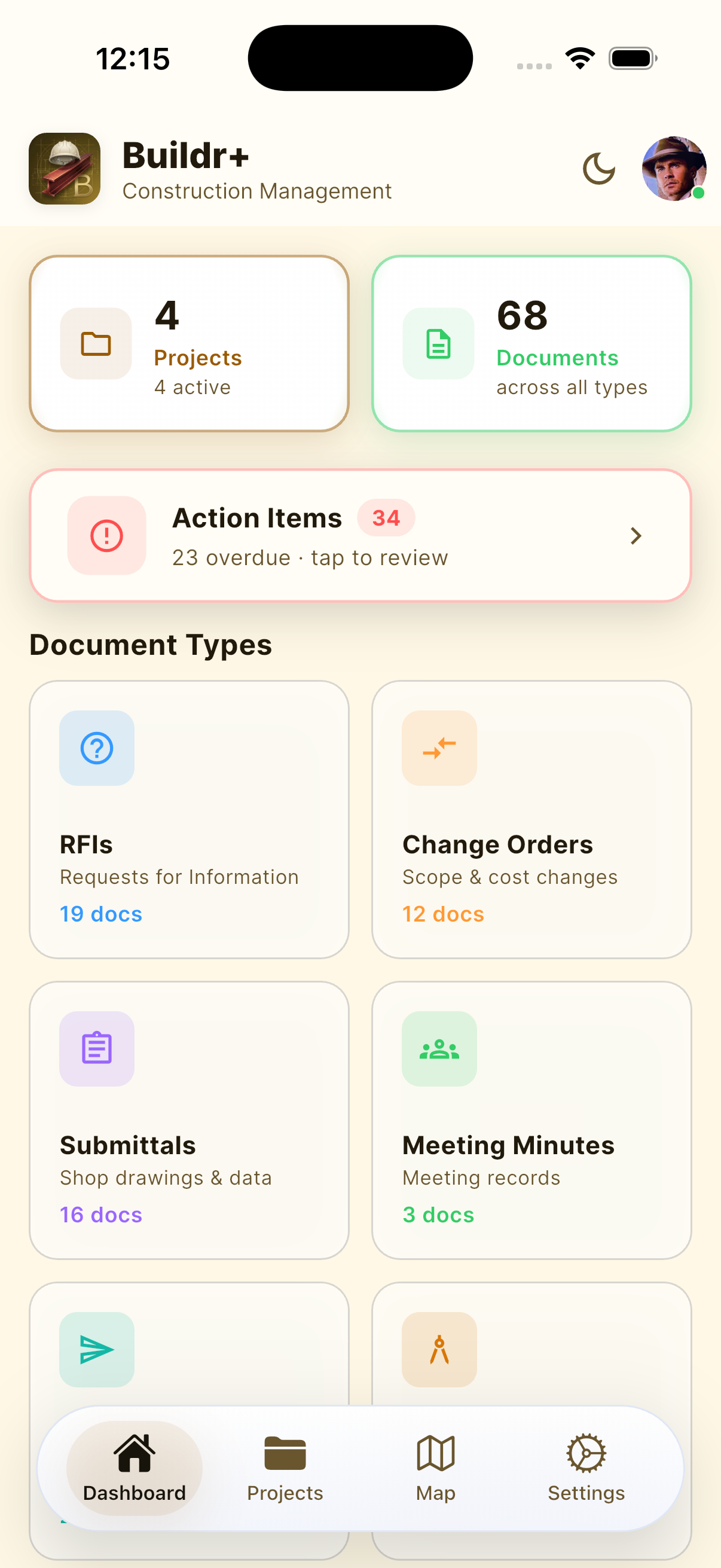
16 Document Types. One App.
From RFIs and change orders to safety plans, incident logs, punch lists, daily logs, doc control, and financial documents, everything organized by project.
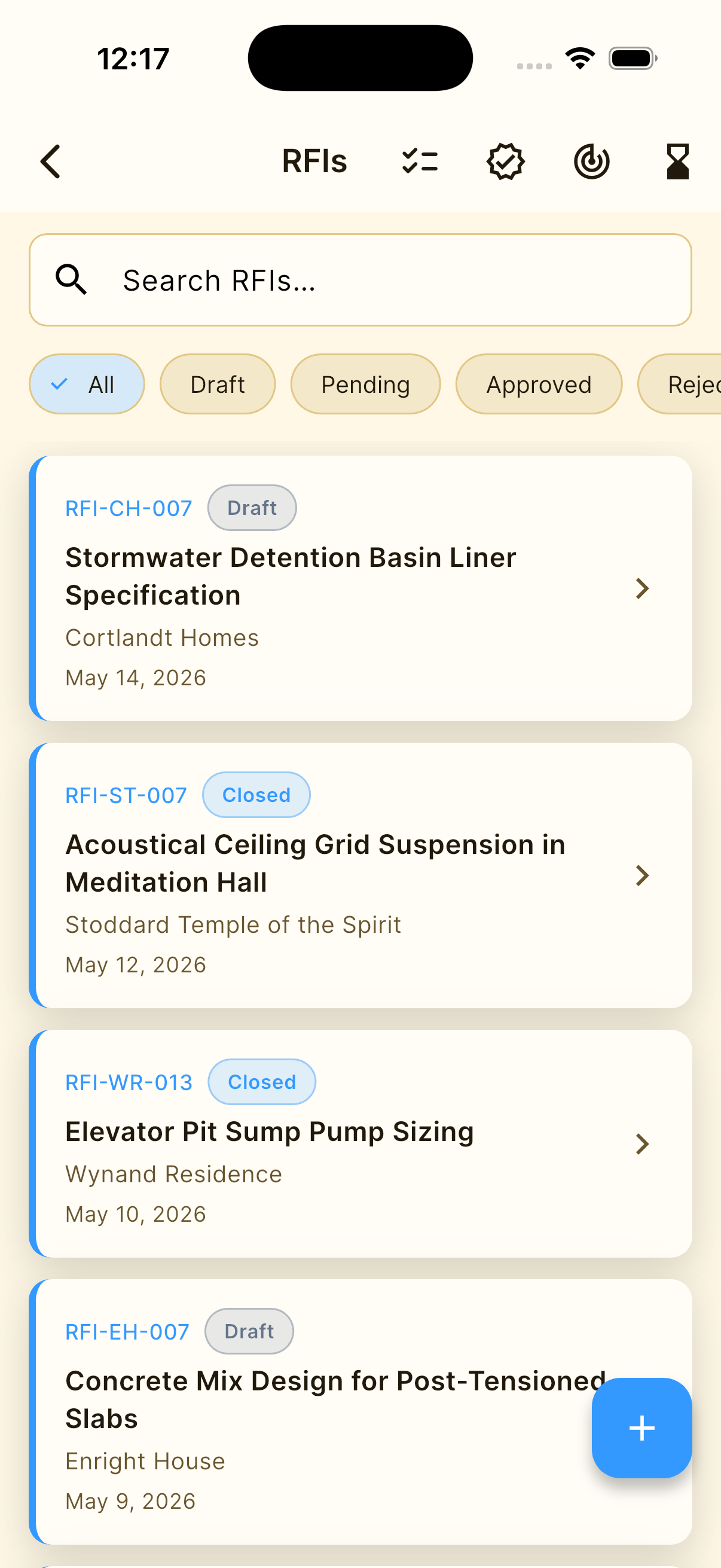
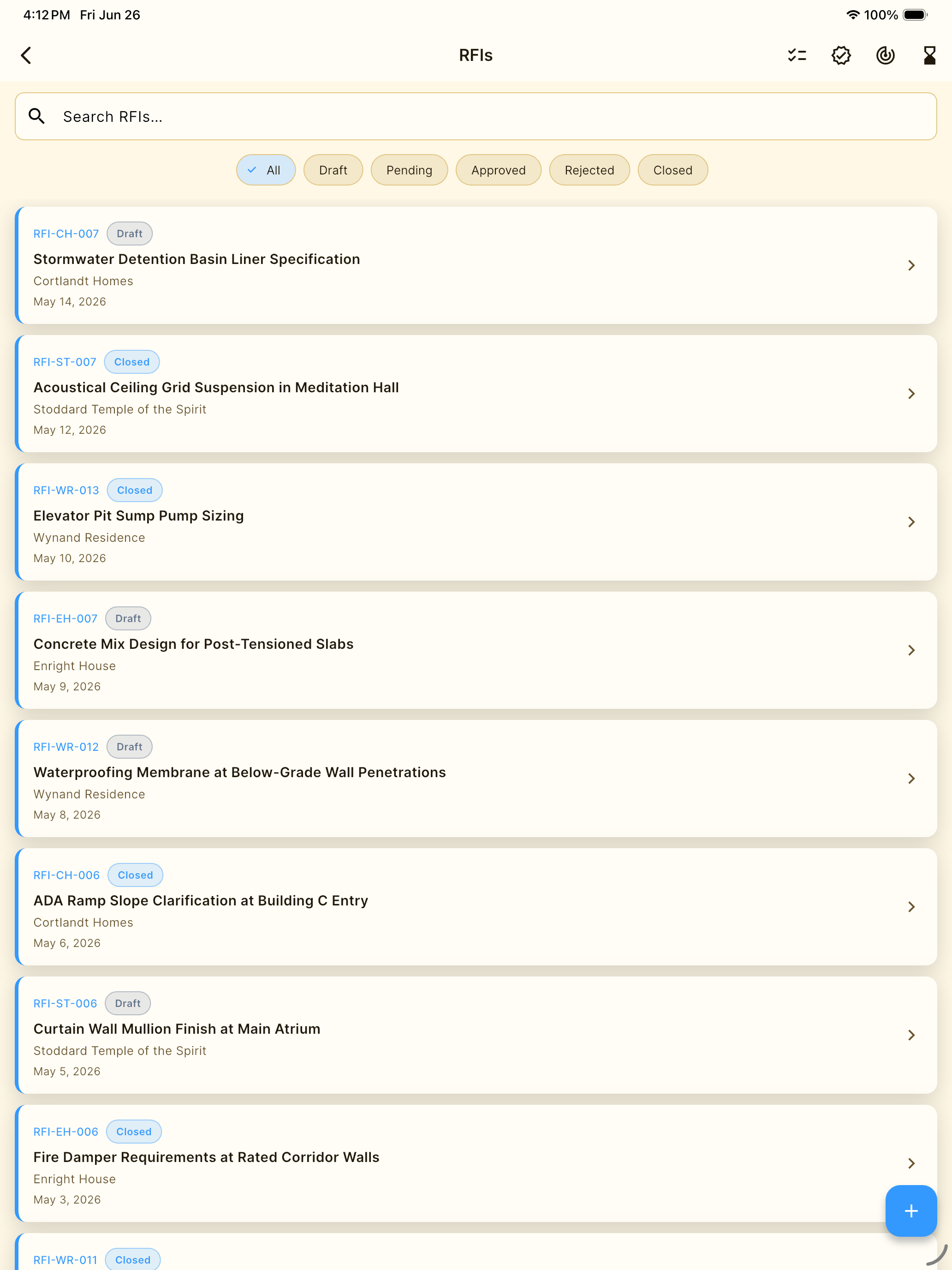
RFIs
Requests for Information
Create, track, and respond to RFIs with priority levels, due dates, and full response history. Never lose a clarification again.
Change Orders
Scope & Cost Changes
Document every scope change with original amounts, change values, revised totals, and schedule impact. Keep budgets airtight.
Submittals
Shop Drawings & Product Data
Manage submittal logs with spec sections, revision tracking, and reviewer actions — Approve, Approve as Noted, Revise & Resubmit.
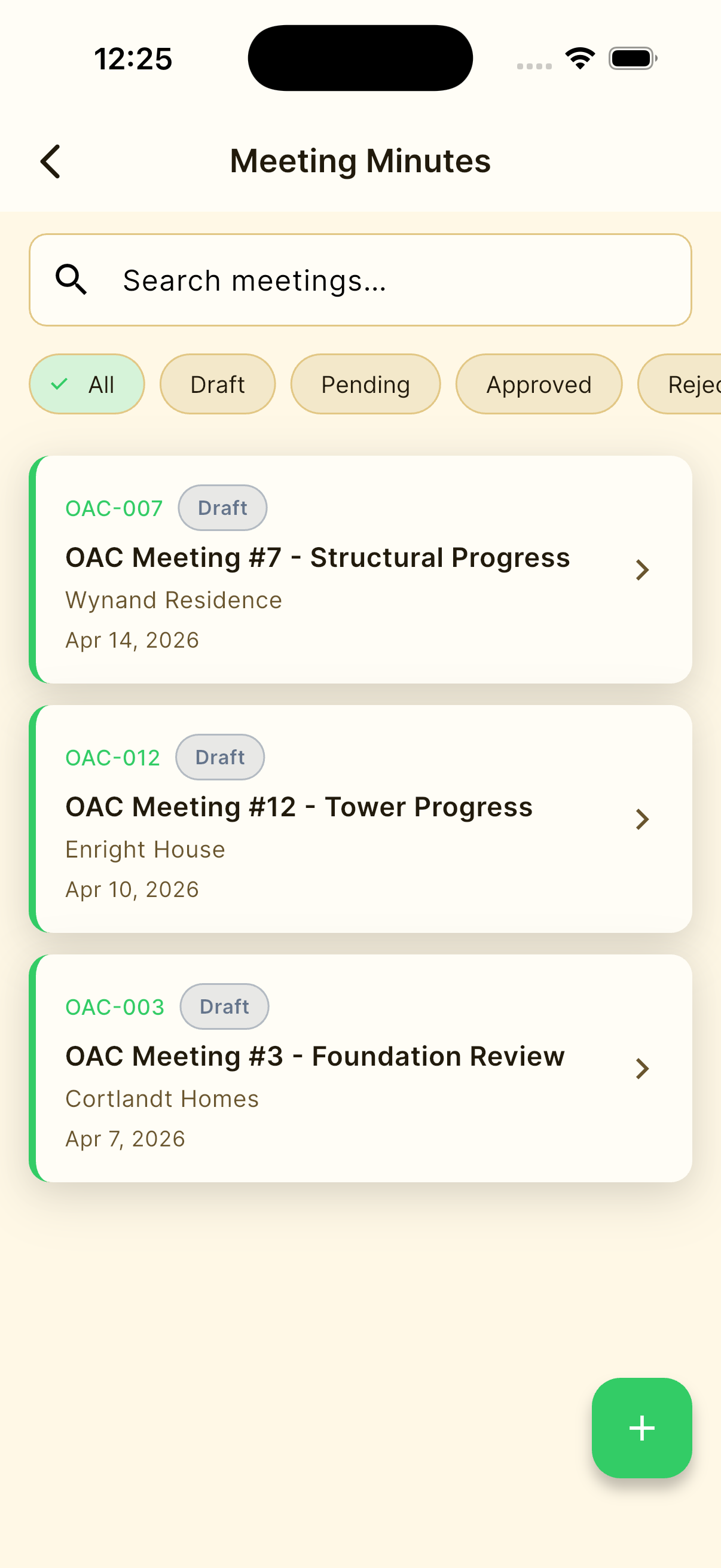
Meeting Minutes
Meeting Records
Capture attendees, agenda items, action items, responsible parties, and next meeting dates. Share instantly as PDF.
Transmittals
Document Delivery
Track every document sent — email, courier, hand delivery, or fax. Log items, quantities, recipient, and confirmation.
Lien Waivers
Payment Releases
Generate conditional and unconditional lien waivers with claimant details, through dates, and digital signature capture.
Activity Safety Plans
Pre-Work Hazard Assessment
Identify hazards with severity ratings, document required PPE, emergency procedures, and permit requirements before work begins.
Incident Logs
Incident Reporting & Investigation
Document incidents from near-misses to serious injuries. Track root cause analysis, corrective actions, and preventive measures.
Safety Briefing Records
Daily Safety Meetings
Record daily safety briefings with topics, discussion points, attendee sign-in, weather conditions, and site observations.
Submittal Log
AIA Master Submittal Register
Auto-generated register of every submittal — status, ball-in-court, revision history, and review actions. Export as PDF (landscape) or Excel (.xlsx) for owner delivery.
Schedule of Values
Contract Breakdown
Break the contract sum into line items by CSI division — scheduled value, work completed, stored materials, % complete, and retainage. Required by the owner before the first pay application.
Payment Applications
Monthly Billing
Generate industry-standard pay applications from your Schedule of Values. Enter % complete per line item, and totals, retainage, and amount due calculate automatically.
Punch List
Project Closeout Items
Track incomplete work, owner punch items, and closeout tasks so every issue gets assigned, followed up, and finished.
Cost Codes
Field Cost Tracking
Organize labor, materials, and equipment costs by code so crews can track job costs in the field and keep budgets current.
Daily Log
Field Reporting
Record daily site activity, crew notes, weather, deliveries, and delays so the project history stays complete.
Doc Control
Project Control Hub
Manage project-level document control and keep the team aligned with the latest records and status.
Built for the Field
Everything a contractor needs, nothing they don't.
Project-Based Organization
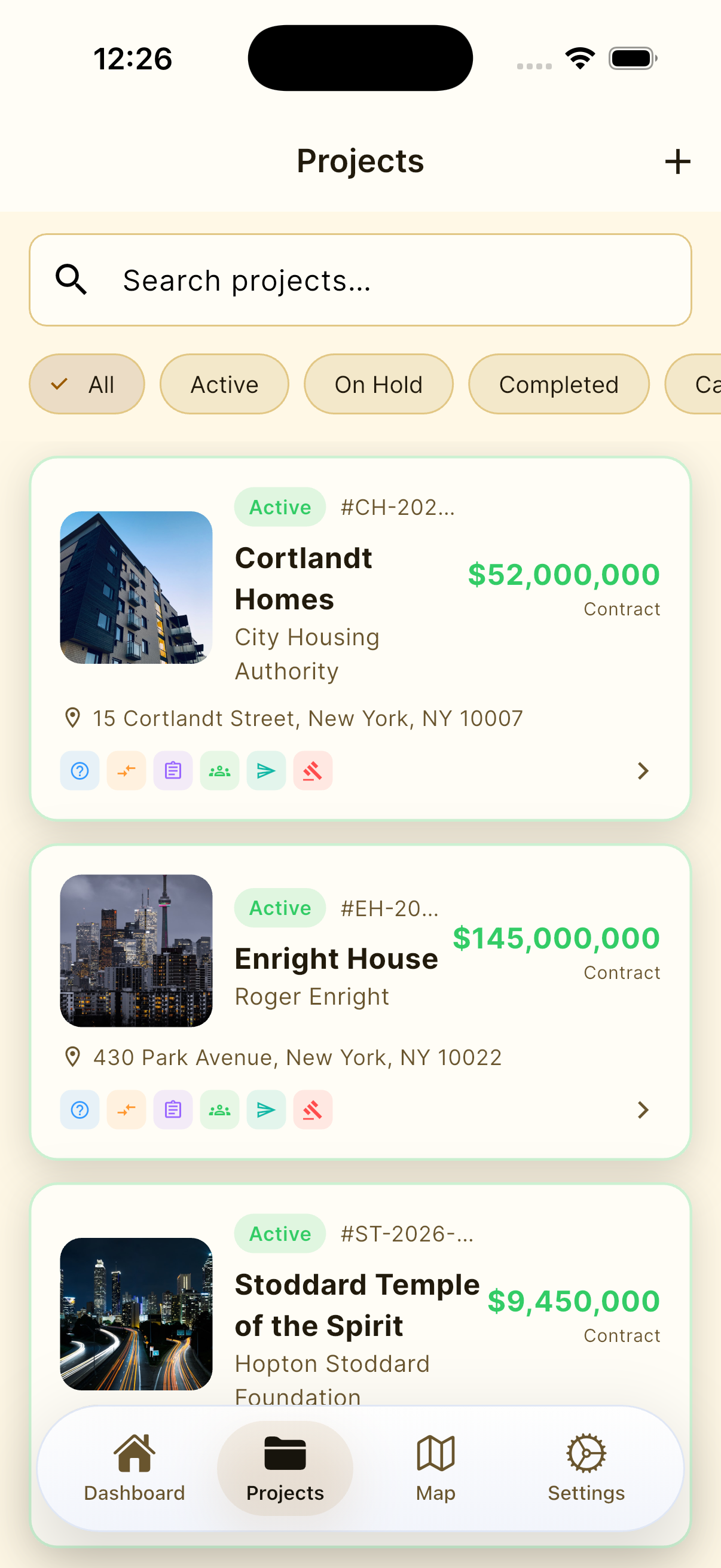
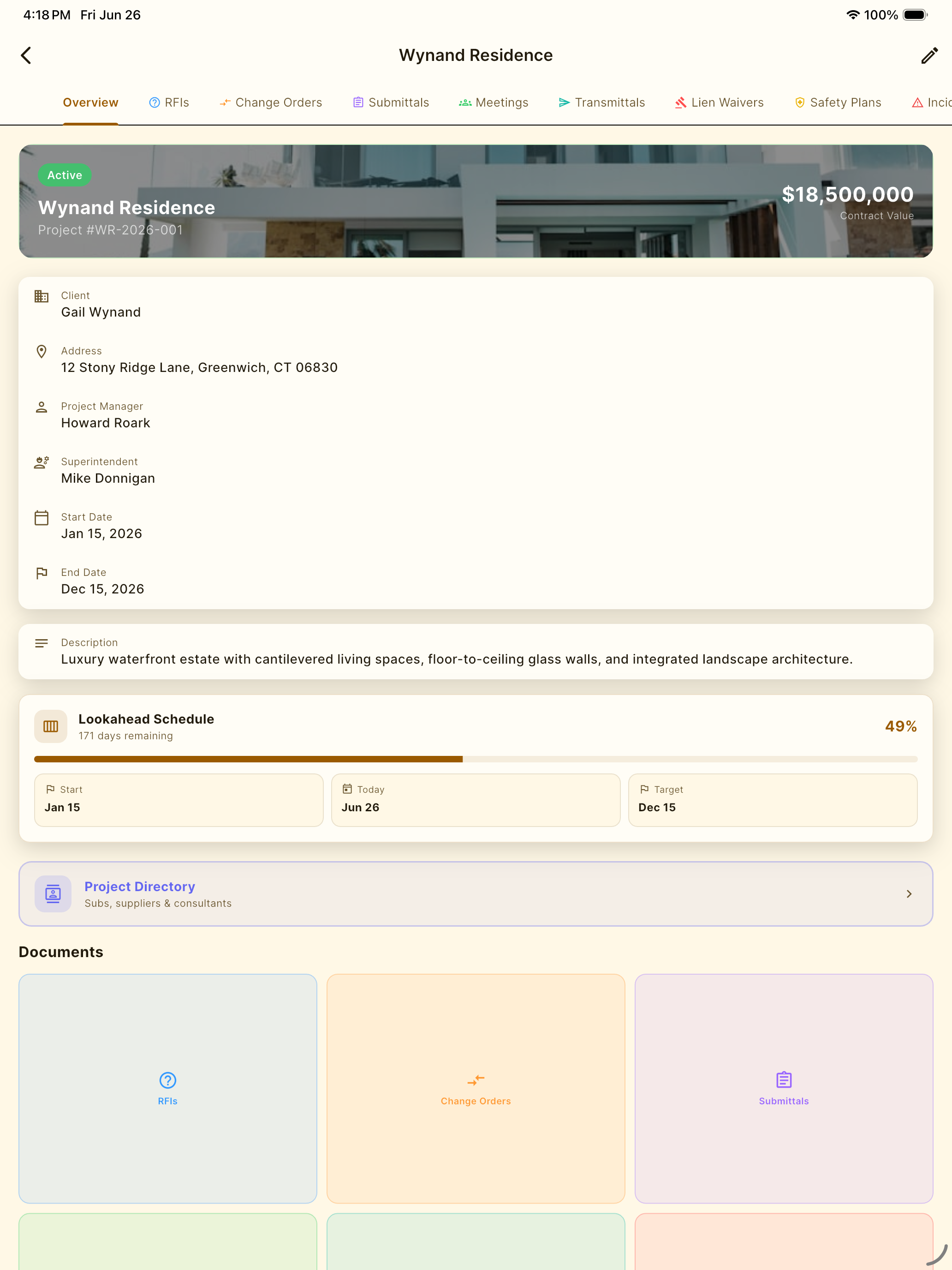
All 16 document types organized under projects. See every RFI, change order, safety plan, submittal log, cost code, and pay application for each job in one tabbed view.
Voice-to-Text Input
Tap the microphone on any field and dictate. 300+ construction terms built in — rebar, HVAC, formwork, PPE, and more. Hands-free documentation.
Photo Attachments
Add multiple photos from your library or camera to any document. Photos embed as thumbnails in PDFs with clickable links to full resolution.
Industry-Standard PDFs
Each document type exports as a professional PDF matching industry formats — AIA G701/G703, CSI, JHA/JSA, and contractor-standard layouts. With your company logo and signature.
Auto-Numbering
Every document gets the next sequential number automatically — RFI-001, CO-002, SUB-003. No manual tracking needed.
Status Tracking
Draft → Pending → Approved → Closed. Color-coded status badges on every document so nothing falls through the cracks.
Project Directory
Every project has a built-in directory for subs, suppliers, and consultants. Tap to call, text, or email any contact directly from the job site. Search by role, trade, or name.
Cloud Sync
Powered by Supabase — your documents sync in real time across iPhone, iPad, and the web at app.buildrplus.com.
Dark Mode + Glass UI
Apple-style glassmorphic interface with full light and dark mode support. Easy on the eyes on the job site, day or night.
Frequently Asked Questions
Everything you need to know before getting started.
Part of the Lab Architect Suite
The Complete Construction App Stack
Inspectr+
Punch lists & site inspections
DailyReportr+
Daily construction reports
Closr+
Project closeout management
iOS coming soon